


Brainly is known to be one of the most helpful applications for students. It is a forum that aims to connect students, parents, and teachers, where they help each other by asking and answering questions. If you bought the paid subscription of Brainly but do not find it helpful or simply don’t want to use it anymore, read this article. In this article, we will provide you with a complete step-by-step guide on how to cancel Brainly subscription.
Here, we have mentioned different ways to cancel the subscription. Therefore, you can hop on your desired methods according to the payment procedure you used to buy the Brainly subscription.
What Is Brainly?
Brainly is a platform that uses a peer-to-peer system where millions of students and experts get together and help each other solve the challenging homework questions. It is intended to help students increase their knowledge in numerous subjects like science, mathematics, social studies, English, and many more.
The platform has emerged as a great way for students to deal with their doubts as it allows them to learn at their own pace in an engaging and educational environment.
Why Should You Cancel Your Brainly Subscription?
There can be many reasons why you should cancel your Brainly subscription, varying from person to person. However, here are some of the reasons why you should cancel your Brainly subscription:
- If the application is of no use to you anymore, then consider canceling its subscription.
- If you do not find Brainly helpful anymore, then you no longer need its subscription
- If you are dissatisfied with the service of Brainly, cancel the subscription and look for a better option.
- If you have found a better platform than Brainly, consider shifting to it and cancel the Brainly subscription.
How To Cancel The Brainly Subscription Directly From The Application?
If you use the Brainly app, then you can easily cancel your subscription from there. Here are the simplest steps to follow:
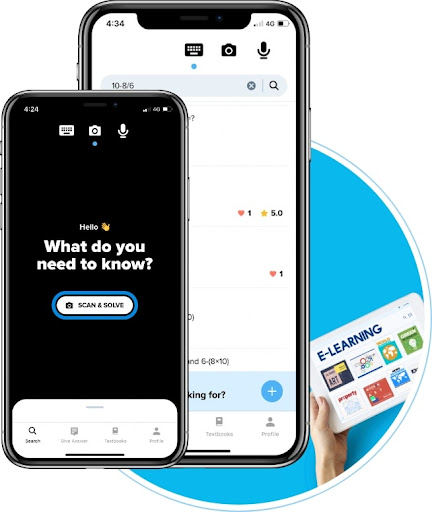
Step 1 – Open your Brainly app. Log into your account if you haven’t yet already.
Step 2 – In the lower right corner, select ‘Me’.
Step 3 – Now, select Settings.
Step 4 – Click on Subscription.
Step 5 – At the bottom of the screen, there will be an option to cancel your subscription. Click on it.
That’s it! You have successfully canceled your Brainly subscription using the application.
How To Cancel Brainly Subscription On The Google PlayStore?
Many people prefer buying the subscription directly from Google Play. If you are one of them, here’s how to cancel the subscription.

Step 1 – Login to your Google Play Account
Step 2: In the top right corner, click on your avatar.
Step 3: Select the option of Payment & Subscription. Click on Subscription.
Step 4: You will get the list of your bought subscriptions. Select Brainly.
Step 5: At the bottom of your screen, you will get the ‘Cancel Subscription’ option. Click on it.
How To Cancel Brainy Subscription On Apple App Store?
Did you buy Brainly Subscription via the Apple App Store? Don’t worry. Here’s how you can cancel your Brainly subscription easily.

Step 1: Select the Settings icon from your home screen. It will appear like a gear.
Step 2 – Click on your name that you can see at the top of your screen.
Step 3: Click on Subscription to avail the list of your bought subscription.
Step 4 – Select Brainly subscription.
Step 5 – Click on Cancel Subscription.
Step 6: You will be asked to confirm the cancellation. Provide the confirmation, and your Brainly subscription will be canceled.
How To Cancel Brainly Subscription Using Website?
You can also cancel the Brainly subscription from their website; here’s how:
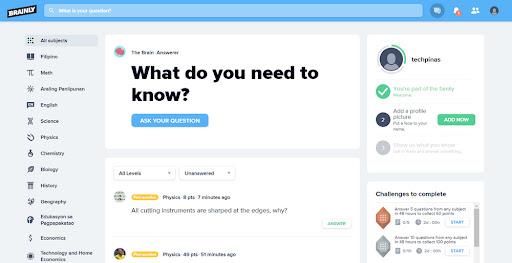
Step 1: Visit the Brainly website and log into your account.
Step 2: Once logged in, click on the profile icon.
Step 3 – Select Account Setting.
Step 4 – On the left side of the screen, you will see the Subscription option.
Step 5: Click on Cancel My Subscription.
Done! You have cancelled your Brainly Subscription.
Frequently Asked Questions (FAQs)
1. How do I cancel my Brainly subscription and get a refund?
You are free to cancel your Brainly subscription at any time but will not get any refund. Cancellation of the subscription means that from now onward, you will not be charged for the subscription renewal.
Brainly has clearly mentioned in its Terms of Use that refunds are not possible once you have paid for your subscription.
2. Will Deleting The Brainly Application From My Mobile Stop The Subscription?
No. Deleting the application won’t stop your subscription. You will have to manually cancel the subscription so you do not get charged for the renewal of the subscription.
3. Will Deleting The Brainly Account Also Cancel The Subscription?
No. Deleting your account will not automatically cancel your subscription. You will have to do it manually.
Conclusion
That was how to cancel Brainly Subscription. It is not complicated at all, but only a matter of a few simple steps. There are many ways that you can use to cancel the subscription. For instance, you can navigate to the website, use the mobile app, or any other method we mentioned above to help you cancel your subscription and prevent you from getting charged for the subscription renewal.
